

As of Tuesday, October 14, 2025, Microsoft has officially ended standard free support for Windows 10, marking a significant change for millions of users worldwide. Despite the launch of Windows 11 in 2021, recent September statistics show that roughly 40% of Windows users are still running Windows 10, making this transition a critical issue for a large segment of the tech community.
End of Free Updates and Security Fixes
The end of support means Windows 10 will no longer receive free software updates, security patches, or technical assistance from Microsoft. While existing devices will continue to operate, the absence of ongoing protection will leave them increasingly vulnerable to viruses, malware, and other cyber threats over time.
Microsoft emphasizes that Windows 11 has been designed to meet modern security demands “by default,” making an upgrade the most direct path to continued digital safety.
Rising Cybersecurity Risks
Cybersecurity experts warn that the widespread continued use of Windows 10 could create a large target pool for hackers. The consumer advocacy group Which? estimates that approximately five million users in the UK alone intend to keep using devices with the older operating system.
Lisa Barber, editor of Which? Tech magazine, cautions that criminals will actively exploit known vulnerabilities: “They are going to target people, exploit weaknesses, and seek to steal your data.”
Upgrading to Windows 11
The most effective security measure for current Windows 10 users is upgrading to Windows 11. Most PCs that are less than four years old meet the hardware requirements, including:
- At least 4GB of RAM
- A minimum of 64GB storage
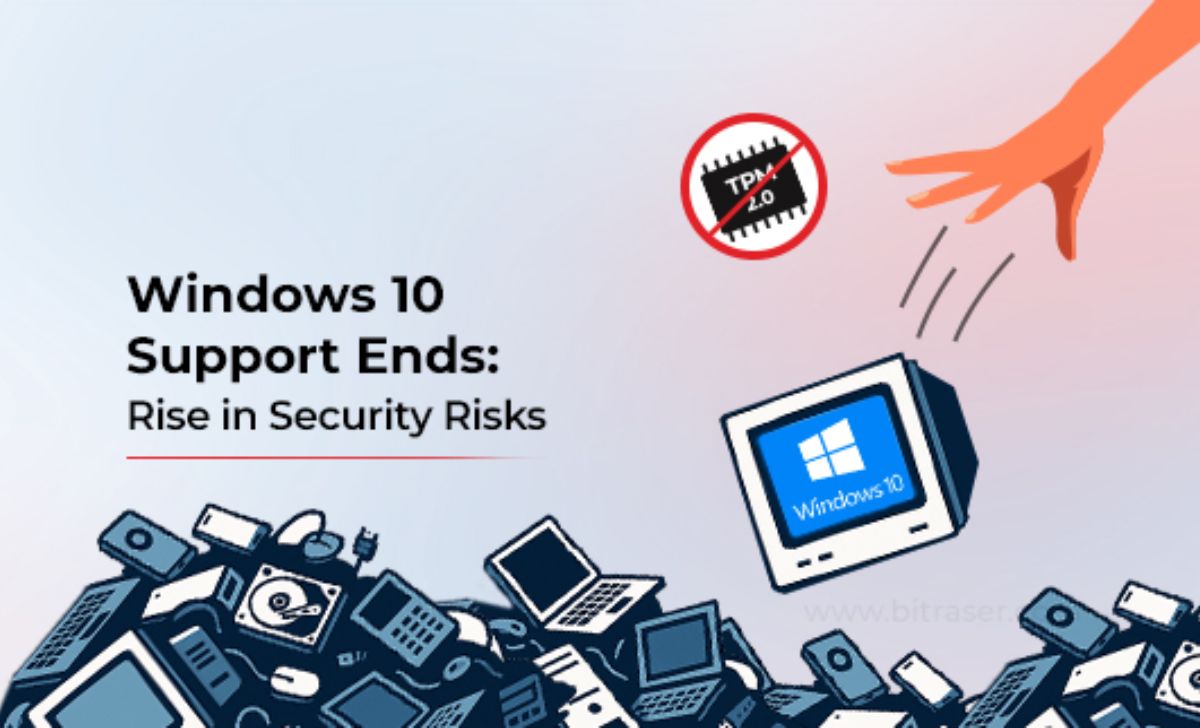
- Trusted Platform Module 2.0 (TPM 2.0) security chip
Microsoft offers a free compatibility checker, while Which? provides a processor-based online tool to confirm whether your system can handle the upgrade.
Options for Incompatible PCs
For systems unable to meet Windows 11’s specifications, Microsoft offers a one-year Extended Security Update (ESU) program, providing continued protection until October 13, 2026. Users who log in with a Microsoft account can sign up for free; others will need to pay $30 or redeem 1,000 Microsoft reward points.
This extension gives users additional time to plan necessary changes, whether upgrading hardware or switching operating systems.
Alternative Operating Systems
For older machines, adopting a new operating system may be the safest route. Popular choices include Linux distributions like Ubuntu, which are free, open source, and supported with regular updates. Installing Ubuntu requires backing up all files and using a USB drive, with detailed step-by-step instructions available from Canonical, the system’s developer.
However, users should note that not all Windows applications have Linux versions, so compatibility should be considered before making the switch.
Another alternative is ChromeOS Flex from Google—a lightweight browser-focused system that can be installed free on supported PCs. As with Linux, installation requires a USB drive, and Google provides an official setup guide.
The Bottom Line
With the end of free support for Windows 10, users face three primary options:
- Upgrade to Windows 11 for full security updates.
- Subscribe to Extended Security Updates to buy time until 2026.
- Switch to an alternative operating system like Linux or ChromeOS Flex.
Failing to act increases the risk of falling victim to malware, data theft, and scams. For those who still rely on Windows 10, now is the time to decide the future of your operating system before vulnerabilities become a serious liability.