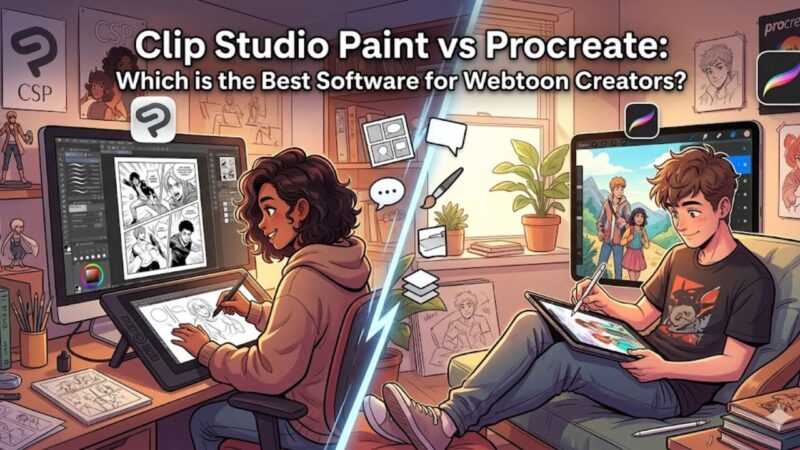

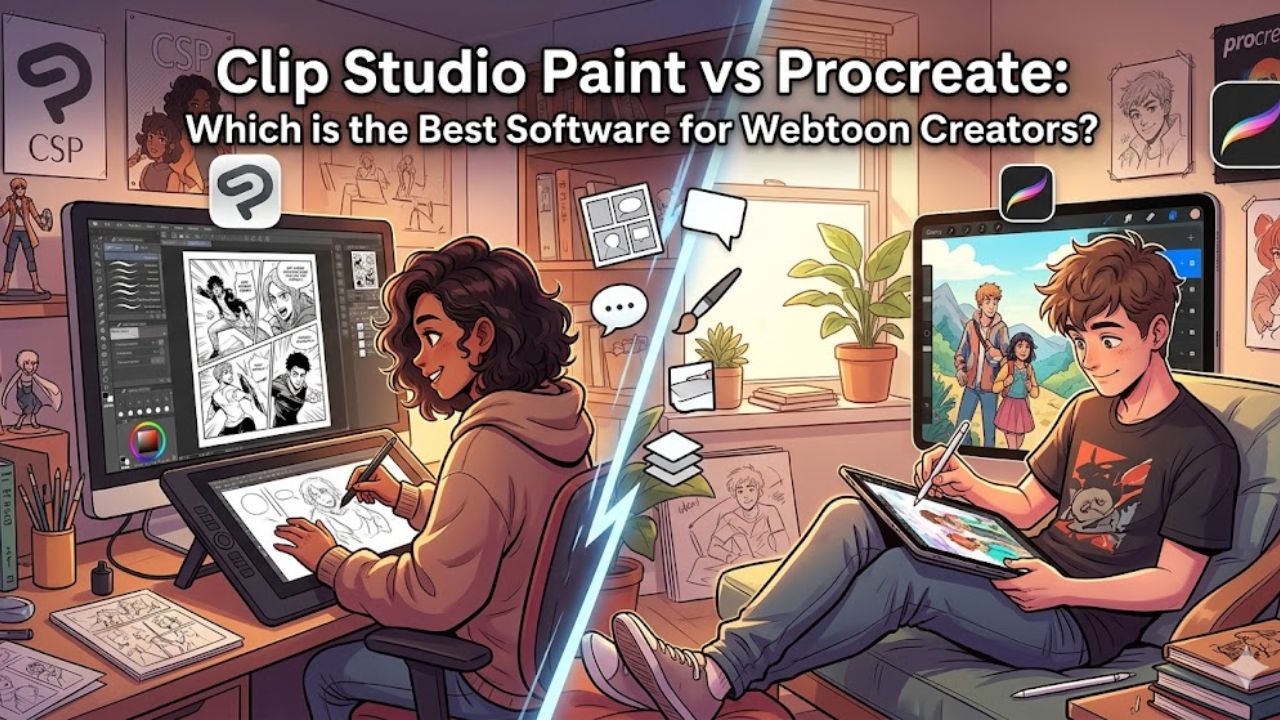
So you’ve decided to make a Webtoon. Maybe you’ve been sketching characters in your notebook for months, or maybe you had a story idea at 2 a.m. and now you can’t stop thinking about it. Either way, one of the very first questions you’re going to face is the same one thousands of aspiring Webtoon artists have wrestled with: do I use Clip Studio Paint, or do I use Procreate?
It sounds like a simple question. It isn’t. Both tools are genuinely excellent, and both have passionate communities of creators who will swear by them. But they are built with fundamentally different philosophies in mind — and once you understand why they’re different, the answer for your specific situation becomes a lot clearer.
Let’s take a long, honest walk through both of them.
First, Let’s Set the Scene: What Makes Webtoon Creation Unique?
Before we compare the two apps, it’s worth pausing to understand what Webtoon creation actually demands from a software tool — because it’s not quite the same as making a print manga or a standalone illustration.
Webtoons are scroll-based vertical comics. They’re typically read on phones, which means your canvas is often long and narrow (a standard Webtoon canvas is 800px wide and anywhere from 1,200px to well over 10,000px tall depending on the episode). This vertical strip format affects everything — how you panel, how you letter, how you think about pacing, and how you eventually export and upload your work.
Beyond the canvas shape, Webtoon creators also need to handle a high volume of work. A single episode can involve dozens of panels, multiple character expressions, background art, speech bubbles, and sound effects — all at a pace fast enough to maintain a publishing schedule. Speed matters. Consistency matters. File management matters. Keeping all of this in mind, let’s look at how Clip Studio Paint and Procreate each hold up.
Clip Studio Paint: The Workhorse Built for Comics
Clip Studio Paint — often called CSP by its community — was not designed to be a general-purpose art app. It was designed specifically for drawing comics, manga, and sequential art. That distinction is important, because it shows in every corner of the interface.
The Canvas and Document System
CSP gives you something that Procreate does not: a proper multi-page document system. You can create a Webtoon project with dozens of pages (or in this case, long vertical strips), organize them inside a single file, and move through them without ever leaving the application. For a Webtoon creator working on episode 47 of an ongoing series, this is not a small thing. It means your workflow can stay contained and organized rather than scattered across a hundred individual files.
The long-strip canvas in CSP also comes with native support for what’s called a “Strip” canvas type — essentially a pre-configured vertically long canvas designed exactly for the Webtoon format. You can set custom pixel dimensions, DPI, and color mode from the very beginning, and the app will remember your preferences so every new episode starts consistently.
Panels and Page Layout Tools
Here is where CSP really separates itself from every other drawing app on the market: it has a dedicated panel-creation system. You can draw a panel border as if it’s an object — not just a rectangle you draw manually, but an actual editable frame that you can resize, reshape, split, and reorder without disrupting the art inside it. You can divide a panel with a single drag. You can merge two panels in seconds. You can even apply panel borders as its own customizable layer.
This matters enormously for Webtoon creators because panel composition is a core storytelling skill. The ability to quickly experiment with panel layouts — to say “what if this scene breathes more if I give it a wider panel?” — without having to redraw anything is a genuine creative advantage. In Procreate, you’d be doing all of that manually with guides and shapes, which is doable but significantly slower and less fluid.
Brushes, Line Art, and Stabilization
CSP’s brush engine is extraordinarily deep. It ships with hundreds of brushes, many of which were designed specifically for manga and comic workflows — G-pen nibs, milli-pen lines, screentone-compatible brushes, and more. But the real headline feature here is vector layers.
In CSP, you can draw your line art on a vector layer, which means your lines are mathematically defined rather than pixel-based. The practical upside? You can scale your linework up or down without losing quality. You can use the “correct line” tool to smooth out a shaky stroke after you’ve drawn it. You can move individual anchor points on a line. For Webtoon creators who want clean, sharp, professional-looking line art, vector layers are a game-changer — and Procreate simply doesn’t have them.
CSP also has robust stabilization settings (called “Correction” in its menus), letting you dial in exactly how much the app smooths your strokes in real time. This is particularly useful when you’re inking over a sketch and you want that slightly mechanical, polished comic line — the kind you see in popular Webtoons like True Beauty or Tower of God.
Text, Lettering, and Speech Bubbles
CSP has a fully functional text tool that supports importing fonts, adjusting tracking and leading, handling multi-language input (important if you’re working in Korean, Japanese, or any non-Latin script), and aligning text within speech bubbles precisely. You can also create speech bubbles using its shape tools, which snap and resize cleanly.
For Webtoon creators, who often letter their own work, this is a genuinely big deal. Lettering in Procreate requires workarounds — third-party fonts, manual bubble shapes — and while it’s possible, it’s nowhere near as clean or fast. CSP’s text handling isn’t perfect (it can feel a little clunky compared to a dedicated layout app), but it’s functional enough that most independent Webtoon creators can letter entirely within it without tearing their hair out.
The Asset Store
CSP has an enormous official Asset Store where creators can download free and paid brushes, textures, panel templates, 3D models, tone patterns, and more. The 3D model system deserves special mention: you can import pose-able 3D figures and use them as drawing references directly inside your canvas. For Webtoon creators who struggle with foreshortening or consistent proportions — which is most of us — the ability to rotate a 3D body reference and then draw over it is incredibly useful.
Platform and Pricing
CSP is available on Windows, macOS, iPad, and Android. The iPad version is nearly fully featured, which is relevant because many Webtoon creators work on tablets. As of 2024, Clip Studio Paint moved to a subscription model (roughly $4.49/month for the iPad version), though one-time purchase options have historically been available during sales. It’s worth noting that CSP Pro and CSP EX are two tiers — EX includes the multi-page document system, animation tools, and 3D features, and it’s the version most serious Webtoon creators should be looking at.
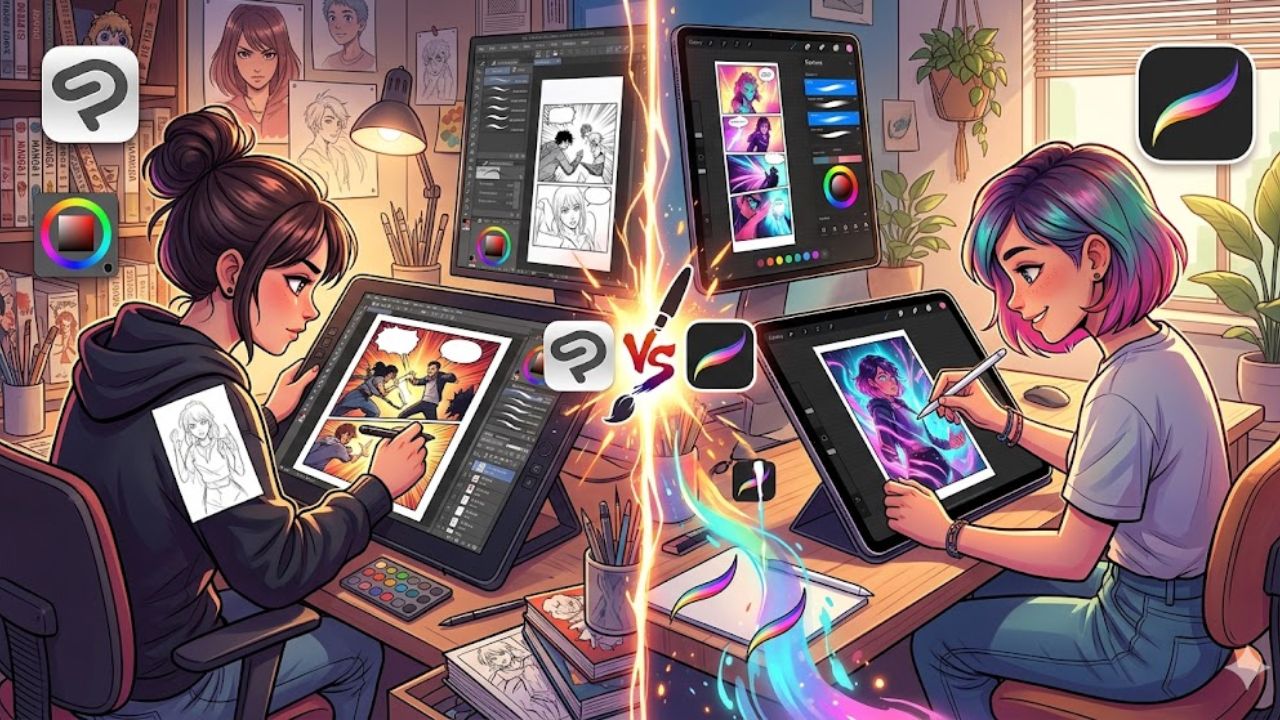
Procreate: The Intuitive Creative Powerhouse
Procreate is, in many ways, the opposite of Clip Studio Paint in its design philosophy. Where CSP is feature-dense and specialist-focused, Procreate is clean, tactile, and built around the feeling of drawing rather than the workflow of producing comics. It’s one of the best-loved creative apps ever made — and for good reason.
The Drawing Experience
If you’ve ever used Procreate, you already know this: drawing in it just feels good. The brush engine is buttery smooth, the latency is almost imperceptible on modern iPads with an Apple Pencil, and the overall interface stays completely out of your way. There’s something almost meditative about opening Procreate and just drawing — it doesn’t pepper you with panels and settings and menus. It invites you to make art.
For Webtoon creators, this matters most during the sketching and rendering stages. When you’re doing loose character sketches, experimenting with color palettes, or painting a detailed background, Procreate’s fluid canvas and natural brush behavior create an experience that many artists genuinely prefer over CSP for expressive, painterly work.
Brushes and Customization
Procreate’s brush library is massive — hundreds of brushes out of the box, and an active community creating and sharing custom brush packs constantly. The brush customization system is deep and visual, making it easy to design exactly the stroke behavior you want. For artists who prioritize texture, painterliness, or a hand-drawn feel in their Webtoon art, Procreate’s brushes can produce results that feel warmer and more organic than CSP’s defaults.
That said, Procreate lacks vector layers entirely. All of your work in Procreate is raster-based, meaning it’s made of pixels. For Webtoon line art specifically, this means you need to work at a high enough resolution from the start, and you lose some of the editorial flexibility that vector linework provides.
The Canvas Limitation Problem
Here is Procreate’s most significant drawback for Webtoon creators, and it’s worth being direct about it: Procreate limits the number of layers you can have based on your canvas size and your iPad’s RAM. The larger your canvas, the fewer layers you can work with.
For Webtoon strips, which can be very large (a 800×10,000px canvas at 300 DPI, for example), you may find yourself hitting the layer limit uncomfortably quickly. Webtoon panels often need separate layers for sketch, linework, flat colors, shading, lighting effects, and more — and if you’re trying to do all of that across a single long strip in Procreate, the layer constraint becomes a real workflow problem.
Many experienced Procreate Webtoon artists work around this by breaking their episodes into smaller sections (one file per row of panels, for instance) and assembling them later. This is a valid approach, but it adds organizational overhead that you simply don’t have in CSP.
No Native Panel Tools or Text System
Procreate has no panel creation tools. No speech bubble tools. No multi-page documents. No screentone support. No built-in assets store with comic-specific resources. If you want to do any of these things in Procreate, you’re doing them manually — drawing your panel borders by hand, using guide lines, creating speech bubbles as freehand shapes or importing them as pre-made brushes.
This isn’t impossible, and many talented Webtoon creators do use Procreate as their primary tool. But it does mean you’re fighting against the grain of the software, adapting a general-purpose illustration tool to do comic production work it wasn’t designed for.
Animation
One area where Procreate has made serious strides is animation. Its animation feature lets you create frame-by-frame animations with onion skinning directly on your canvas. For Webtoon creators who want to add animated panels or create animated Webtoon-style shorts, Procreate’s animation workflow is surprisingly accessible — though CSP EX has a more robust animation timeline if you’re doing anything complex.
iPad Only
Procreate is exclusively an iPad app. This is either irrelevant or a dealbreaker depending on your setup. If you work at a desktop computer part of the time, or if you use an Android tablet, Procreate simply isn’t available to you. CSP, by contrast, works across almost every major platform and syncs reasonably well.
Pricing
Procreate costs a flat one-time fee of $12.99 USD from the App Store — no subscription, no separate tiers. For the sheer breadth of what it offers, this is genuinely exceptional value. If you already own an iPad and want to explore digital art without a recurring cost, Procreate is incredibly accessible.
Head-to-Head: The Key Comparisons
Rather than leaving things abstract, let’s walk through the specific scenarios a Webtoon creator faces and see how each app performs.
When you’re sketching thumbnails and laying out an episode, CSP wins on organization (multi-page documents, panel tools) but Procreate wins on drawing feel. Many creators actually do their thumbnails in Procreate for the loose, spontaneous energy it encourages, then shift to CSP for production.
When you’re doing final line art, CSP wins fairly decisively, thanks to vector layers, stronger stabilization options, and the G-pen tools that produce that classic clean comic line.
When you’re coloring and shading, this is genuinely close. Procreate’s color fills, gradient maps, and blending behavior are beautiful for painterly coloring styles. CSP has more technical color tools (including very powerful reference-based fill tools) but can feel less expressive for loose painting.
When you’re lettering and adding speech bubbles, CSP wins without much contest. Its text handling, while imperfect, is significantly better than Procreate’s near-absence of text tools.
When you’re managing files across a long-running series, CSP wins again — multi-page documents, organized story folders, and consistent export settings make it the more structured choice for creators thinking long-term.
When you’re just starting out and want to make something now, Procreate’s gentler learning curve means you’ll be drawing within minutes rather than hours. CSP’s interface rewards the time you invest in learning it, but it does require that investment upfront.
What Do Working Webtoon Creators Actually Use?
If you spend time in Webtoon creator communities on Reddit, Twitter/X, and YouTube, you’ll notice a pattern. Many creators who have been making Webtoons professionally for years tend to settle on Clip Studio Paint EX as their primary workhorse — especially for anything involving a consistent publishing schedule. The comic-specific tools, the file management system, and the vector linework are simply too useful to give up when you’re producing content at volume.
Procreate, on the other hand, tends to appear in two types of creators’ workflows: those who are just starting out and learning (where its accessibility and price point are huge draws), and experienced artists who use it specifically for painting or character rendering, then bring those assets into CSP or even Photoshop for assembly and lettering.
There’s also a meaningful third group: creators who use both. It sounds redundant, but it actually makes sense once you understand each app’s strengths. Sketching and character art in Procreate, production and lettering in CSP — this hybrid approach gives you the best of both worlds, and the apps play well together since most files can be exported as PSD and imported reasonably cleanly across both.
So, Which One Should You Choose?
Here’s the honest answer: if you are serious about making Webtoons as a regular, ongoing creative practice, Clip Studio Paint EX is the better primary tool. Its panel creation system, vector layer support, text handling, multi-page documents, and comic-specific assets library are purpose-built for exactly the kind of work Webtoon creation demands. The learning curve is steeper, but it pays back the investment quickly once you’re in the flow of producing episodes.
If you are just beginning, if you primarily work in an expressive or painterly style, or if you already own an iPad and want to experiment before committing, Procreate is an outstanding starting point. It will teach you digital art fundamentals beautifully, it costs almost nothing, and it is genuinely capable of producing professional-quality Webtoon work — especially if you’re willing to adapt your workflow around its limitations.
The underlying truth, though, is this: the best software is the one you’ll actually sit down and use. Neither CSP nor Procreate will write your story, develop your characters, or push you to finish that episode when you’d rather do anything else. The tool matters less than the commitment to keep making your Webtoon, one episode at a time.
Start with what feels comfortable. Learn it deeply. And if you outgrow it, the skills you’ve built are almost entirely transferable — because what you’re really developing isn’t a mastery of software. It’s a mastery of visual storytelling. And that lives in you, not in any app.